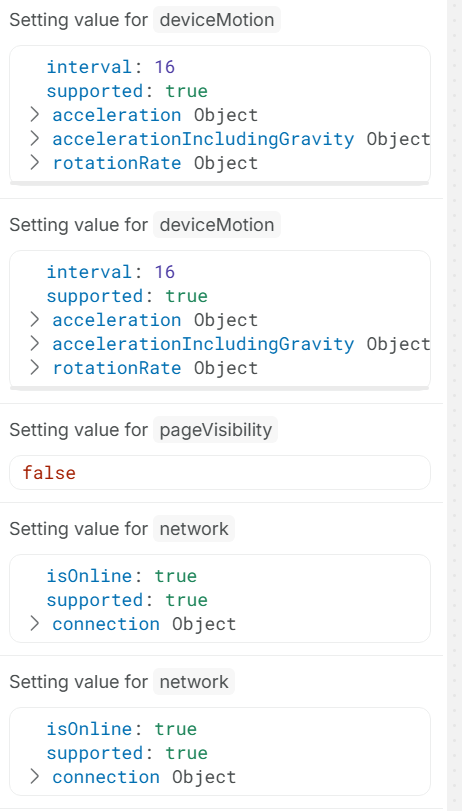
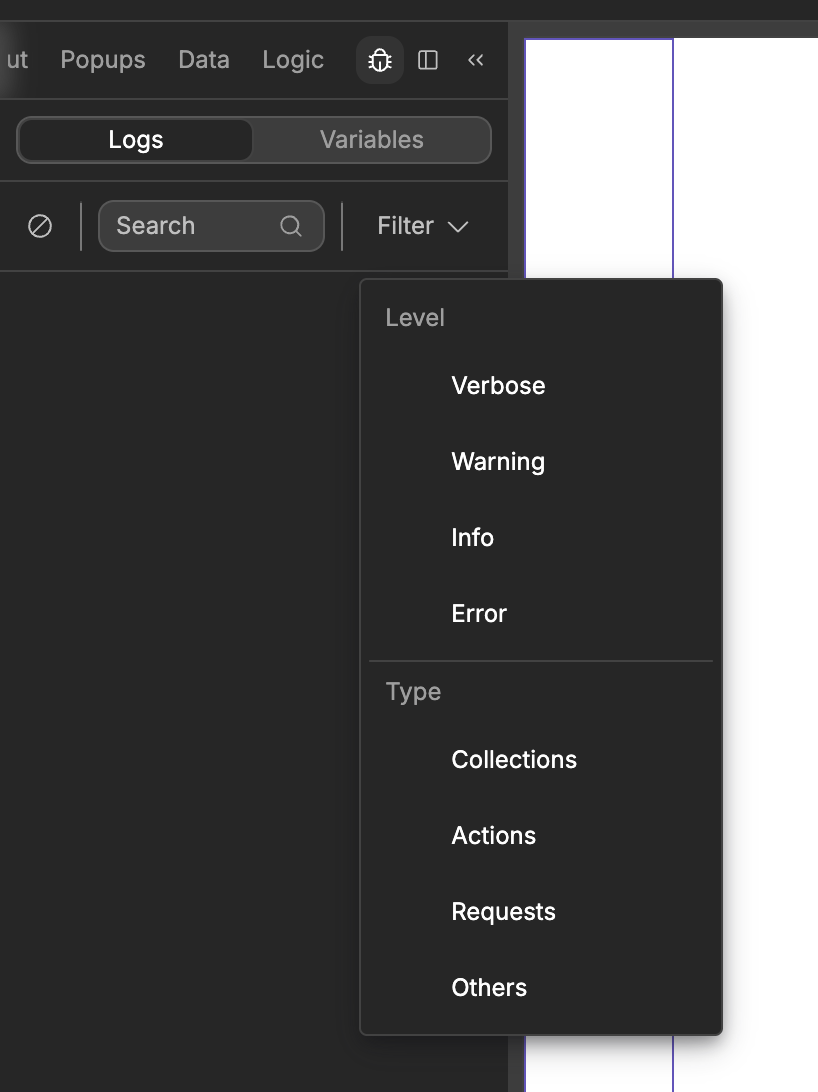
The problem is when you open the workflow canvas, the editor automatically opens the log window and does not revert after closing the workflow. I’d also assume the log is always active, even when it is not open, so how would displaying it change memory use? If that is even what is causing my editor experience to be slow….
It’s because of a high amount of DOM elements, without proper virtual scrolling implemented. Not because of memory usage directly. I cant be sure this is the reason for you, but you should test with the log deactivated.
Dang, this has been an issue for a few years now. You can turn off logs or filter them out. Sadly other things than performance are getting prioritized, yet the solution is so simple.