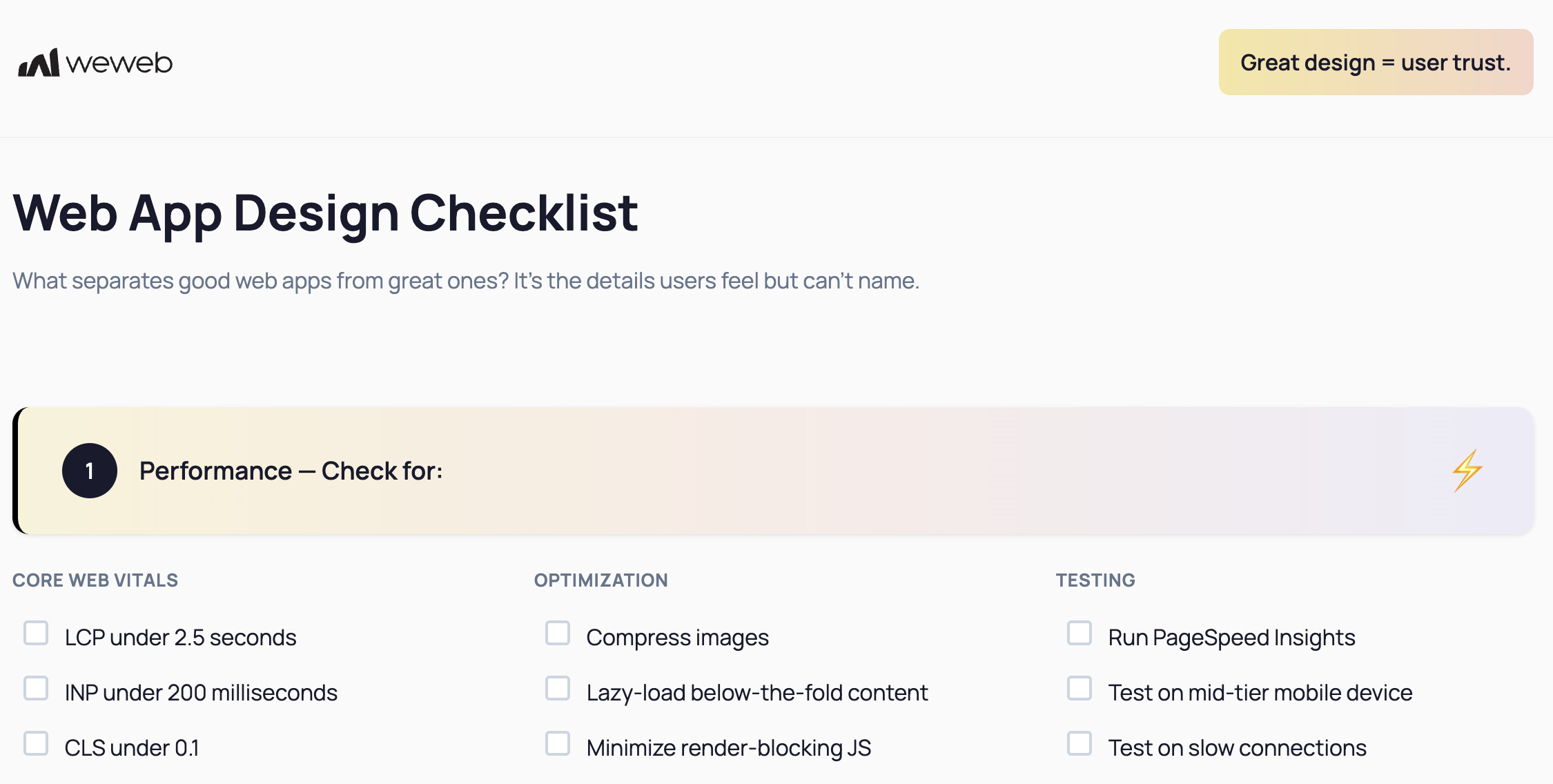
I just saw WeWeb’s recent post on X and LinkedIn with the “Web App Design checklist,” with some pretty low targets like LCP under 2.5s, and it made me curious about real results on your projects.
For most of my WeWeb projects, I’m still seeing LCP around 6 seconds on mobile (about 1.5s on desktop), even after some optimization.
So I wanted to ask, what are your scores like on WeWeb sites?
I know WeWeb is quite open about not being fully optimized for SEO and performance yet (unfortunately), but I’m just curious since this was posted by them.
Love this question, thanks so much for kicking off the discussion.
For anyone sharing their scores, it would be super helpful if you could also mention which specific optimizations you’ve tried so far, so others can see what’s been tested and what moves the needle.
Even an empty app (with a heading so that the Lighthouse actually takes it) doesn’t obtain a LCP under 2.5 seconds (on mobile, which is a standard nowadays). Desktop is “fast”, but that’s no wonder. So one can’t but wonder..
How low the performance gets when there is an actual app built.
How to optimize something that is not fast out of the box?
From my experience after consulting many people having apps over the previous 1-2 years on WeWeb, even agency founders, using WeWeb to run their no-code development business, it’s definitely not simple to optimize, especially since you don’t have much power over the optimizations.
The most you can do is of course optimizing the images, and whatever is in the link you provided - the standard stuff. You can also avoid some patterns, such as JavaScript on load etc. But mostly it’s really not possible to optimize something that runs slow by default (here I’m referring to comparing WeWeb, with a plain Vue.js app).
Then there is a different side of WeWeb apps performance - the memory leaks. Last year, before giving up on WeWeb entirely, I’ve had quite some people reaching out to me, with apps crashing and leaking memory, especially apps which were large and complex. These issues are notoriously hard to debug even when you have the access to the source code, but since WeWeb has a no-code layer on top of your apps, it’s mostly impossible to resolve it in some standard ways. The worst thing is that WeWeb often struggles to catch or reproduce these (understandably), but from my experience also struggles to actually allocate resources to solve this (not so understanably).
If you need performance, I’d say no-code isn’t something I’d go for in general, it’s more of a great way to put a quick MVP together. I’ve moved on to using Nuxt (which is a Vue.js framework) and the performance difference is not comparable, a thing which has been confirmed to me by not only my own experience, but also by some people I know, in the no-code development agencies space, which previously used WeWeb (moving from bubble) and now are switching to AI driven development with some proper AI IDEs.
Thanks for the in depth reply, it was super helpful as always. I have been wanting to get into coding for a while now, so maybe this is the push I needed to finally take the leap.
That said, I still really like WeWeb’s comfortable dev experience, and I’m hoping the upcoming roadmap update focuses more on fixing these core issues rather than adding more AI features.