Hello WeWeb Team,
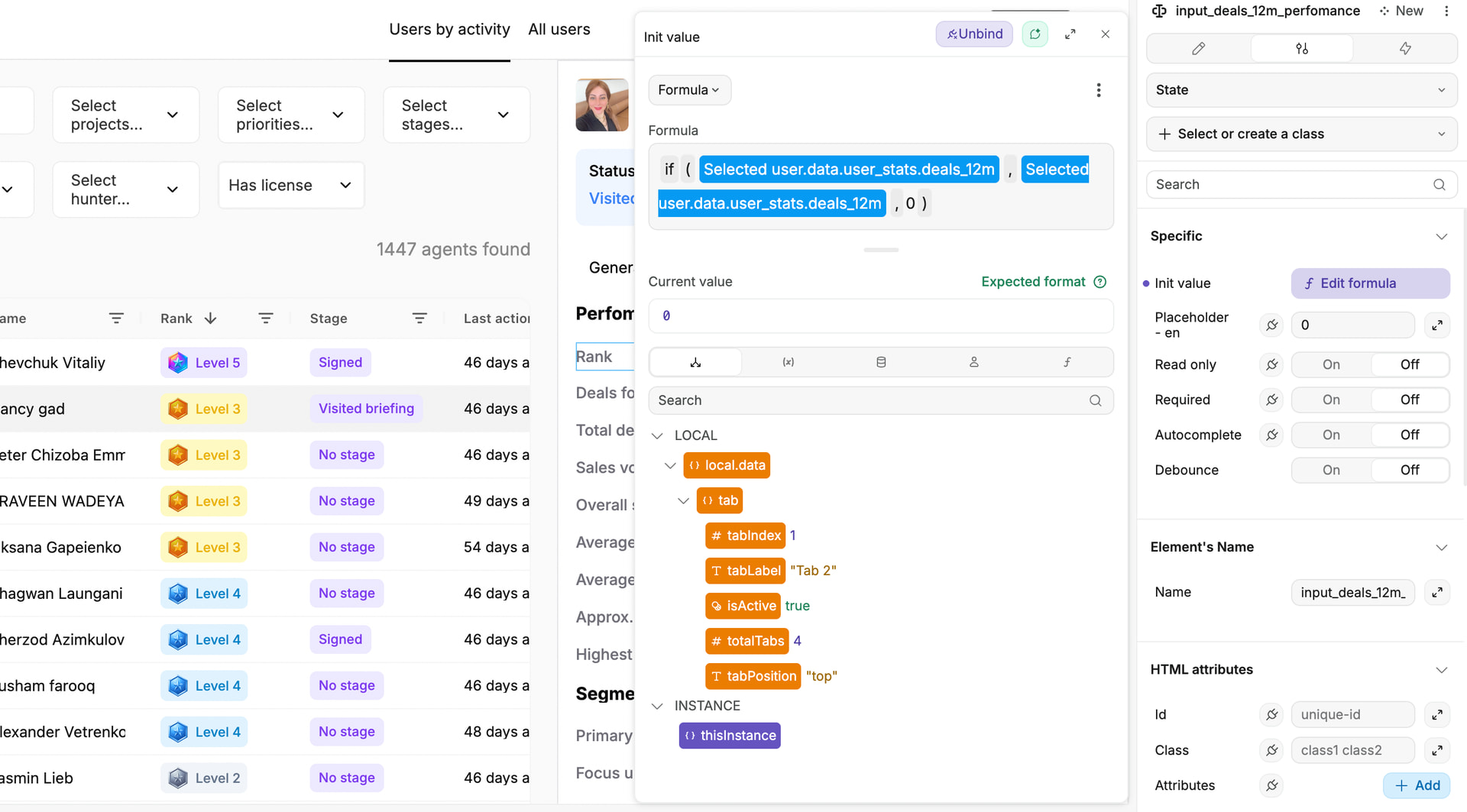
I am experiencing an issue with custom input fields (both text and numeric) not updating correctly when switching between records.
Context:
I have a page where I switch between user records (user cards). Each user has data coming from the database, including fields such as the number of deals.
Issue:
When I manually enter a value into a custom input field for one user, that value persists when I switch to another user, instead of updating to the value from the database for the newly selected user.
Example:
-
User #1 has a “number of deals” field. I manually enter
99into this input. -
When I switch to User #2, instead of displaying User #2’s value from the database, the input still shows
99(the value entered for User #1).
It appears that the input field keeps its internal state and does not re-sync or reinitialize when the bound record changes.
Question:
What is the correct way in WeWeb to ensure that custom input fields (text/number) properly refresh and reflect database values when switching between records?
Is there a recommended pattern for resetting or re-binding inputs when the active record changes?
I would appreciate any guidance or best practices for handling this scenario.
Thank you in advance for your help.