Hi everyone,
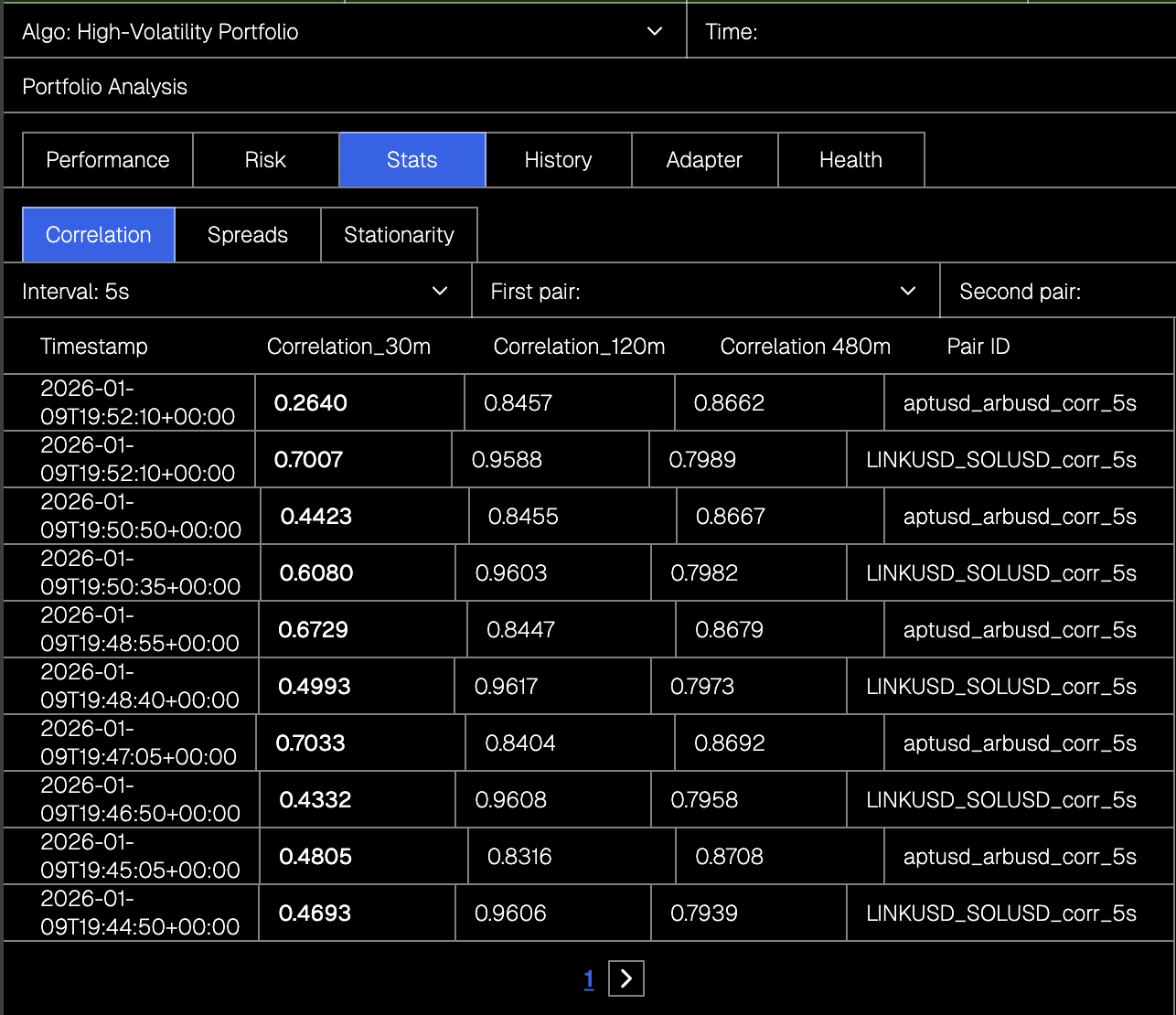
I’m having an issue with a List component where the content is overflowing, as you can see in the screenshot.
I’m not using fixed widths. The layout is built with a CSS Grid, where I defined 5 columns, and the column width is set to auto. However, when the data inside the list items gets longer, it overflows instead of wrapping or staying within the grid cells.
Do you have any tips on how to manage to get the same column width?
Any guidance or examples would be greatly appreciated. Thanks!
Hi @bbalint0918 ,
try to set grid column width to something like “2fr 1fr 1fr 1fr 2fr”
This should set a fixed width to each column respectively.
Thank you very much!
I have a dropdown which decides which collection is being used by the list that I just attached. Is there any way to assign the paginator to the chosen collection?
What element is represented in your last screenshot? Can you show the whole setup?
I’m not sure if the “dropdown” or “select” elements have a “custom pagination” option.
The dropdown selector in the red framed square determines which data is loaded into the list marked with the green frame. I can load multiple tables, and all of them have the same columns.
The paginator highlighted with the blue frame also depends on which collection is loaded into the green list, because although all lists have the same columns, one table is about 5× larger than the other.
Paginator settings:
My question is what I might have set up incorrectly, because right now it correctly displays how many pages there are, but it does not actually paginate the list.
What setting am I missing? Have you done something like this before?
To make the paginator work “out-of-the-box” you need to bind a “collection” without using “custom pagination”:
In this case the paginator “knows” a specific collection and its props (limit, offset, etc) and so it can manipulate them.
In your case with “custom pagination” option you need to set an “onChange” workflow of the paginator element. And you have 2 options:
-
apply frontend pagination which I’d not recommend. Cause your entire data will still persists inside browser despite the pagination, so it is slower and less secure.
-
apply backend pagination. This is the optimal way.
Based on what type of two above you implement, you either slice() the array of data on the frontend or re-fetch it from the backend with appropriate pagination settings.
Right here you can find a guide for the backend pagination
Thank you for the feedback. Although I have already read this article, I still have a few questions about it, and in the meantime I’ll explain what I already have.
Step 1: add paging to the backend
As shown in the screenshot, I’m using Supabase and pagination is enabled.
Step 4: create a paginator variable
I have created this, which stores the following:
Step 5: Paginator workflow
My workflow looks like this:
On change → Update paginator variable (Value: Event.context) → Fetch collection (correlation_5s)
My problem is still that paging doesn’t work, and I can’t find a setting that would fetch the page I actually need, calculated from the offset.
can you show how does the “correlation_5s” collection look like? What’s the data inside, how it’s organized and how Weweb sees it
The problem might me on Supabase side. The endpoint might not listen for pagination parameters
I sent you a private message. Can you check please?