Long story, but to summarize: basically having a place to document how the goals targets were set up. I have a strategic planning and OKR tracking platform build in bubble. 2025 we started migrating everything to weweb and completely revamping it… One thing that got clear was that people were using excel, putting the data in our platform but documentation of “how did they set this target” was lost…
Also, it’s a plan that in 2026 we start working on a “Financial modelling AI”, so having this excel feature already gives us some ideas of how this could work. We already did a POC for the “Financial Modelling AI”, but the “frontend” was pratically non-existent
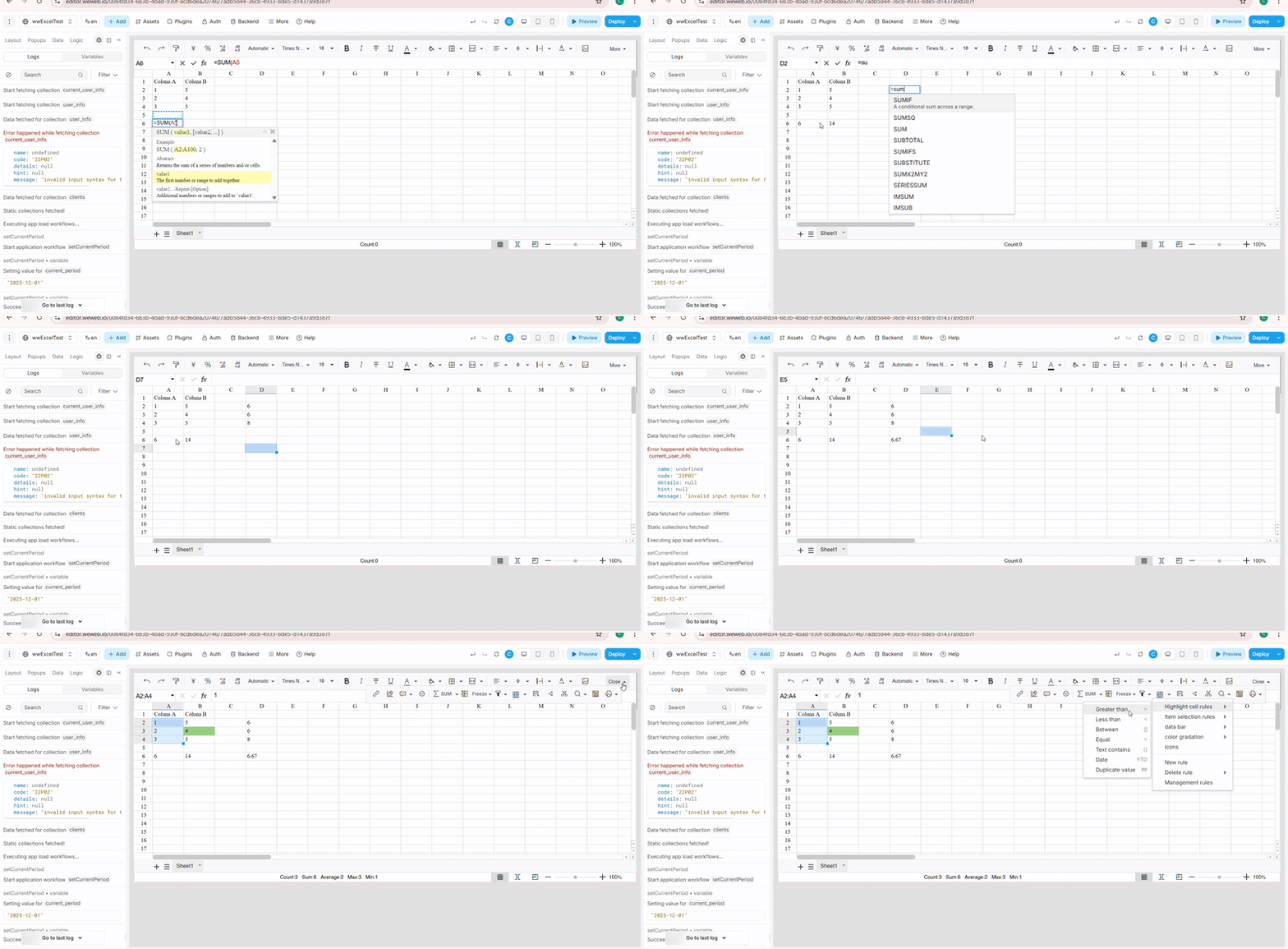
The secret sauce was a library called LuckySheet hahah (a JavaScript library that provides Excel-like spreadsheet functionality in the browser)
I used it to created the WeWeb custom component that dynamically loads the library’s CSS and JS files from CDN into the component’s document context (important because WeWeb components run in iframes, so you need to ensure scripts/styles load in the correct context).
The component initializes Luckysheet in the mounted hook with a unique container ID, waits for the library to load, then creates the spreadsheet instance using the component’s data prop.
I set up hooks in Luckysheet to listen for cell changes (hook.updated) and emit WeWeb events when users edit cells, and configured the ww-config.js file to define properties (like data for the spreadsheet content) and trigger events (like change).
The main challenge was handling WeWeb’s iframe isolation—making sure the library loads and runs in the component’s document context rather than the parent window.


 curious to know how you built it