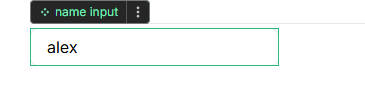
I have created a styled input field and converted it to a component. What I cannot seem to do is edit the placeholder or input type for an instance.
I was hoping for simply styling the input and then being able to apply that styling to other inputs. Element templates also do not seem to achieve this.
Is this correct and are inputs not really best use case for components.
You could have a placeholder property for example and bind the placeholder to the prop value. You won’t be able to do that for the input type because that’s not bindable.
The easiest way is to create a global variable (i.e. not scoped inside the component) and, inside the component, have a workflow on the input that updates that external variable on change.
The downside of this method is that the variable is not scoped to the component. If your app is small, it’s not a big deal and more easy to setup but, if your app is big, having lots of global variables can become hard to maintain.
Best for larger apps
If your app is big and you need to keep things nicely scoped to make things easier to maintain, you’ll need to look into component events. Here are the docs on the topic.
If you’re fairly new to this, my advice would be to start with method 1 and, if you see the need to streamline things as your app grows, refactor your (no)code by following method 2 because, when you’re just getting started with programming, it can be a bit tricky to apprehend at first.
In any case, don’t hesitate to reach out again if you get stuck along either way!