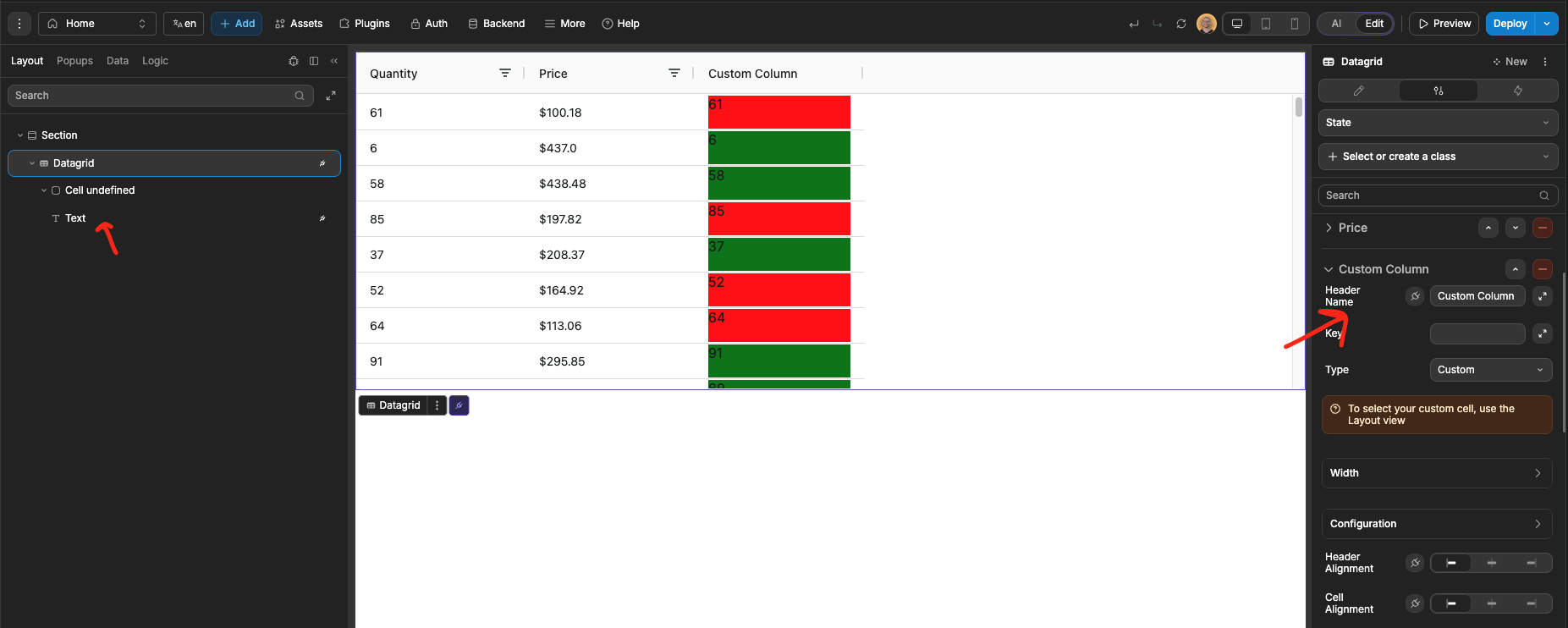
I am trying to find out if if is possible to change the background color of a cell in the datagrid depending on the contents.
I could not see a way to do it, so I added a default datagrid and asked AI. The resulting comment was this
"I'll update the datagrid to highlight rows with prices over $200 with a red background color by adding a getRowStyle callback function."
It did not work and I have been trying to find out what the getRowStyle callback function is, but can’t see it anywhere in the datagrid settings.
So, my questions are -
-
Can a cell background color be change dynamically?
-
What is hetROwStyle Callback and where can it be found.
Thanks
 ,
,